Get all your news in one place.
100’s of premium titles.
One app.
Start reading
Android Central
Android Central
Technology
Sanuj Bhatia

Android's new QR scanner UI is rolling out again after being pulled

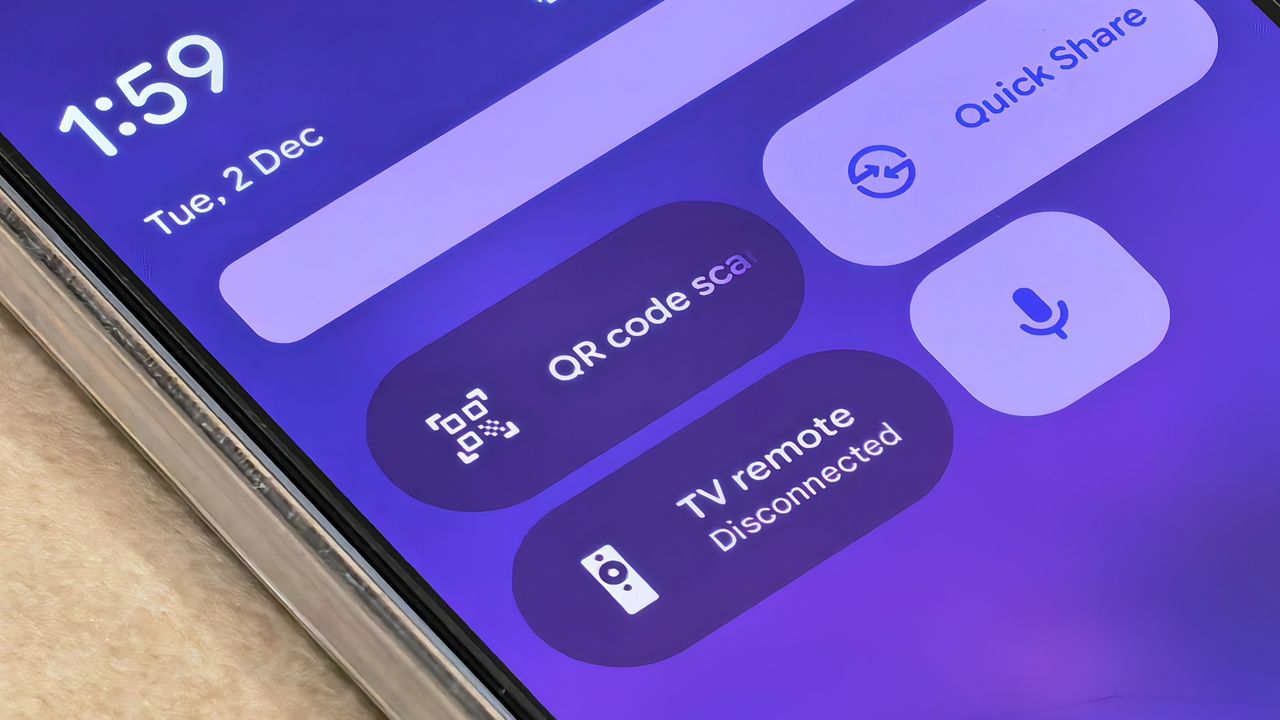
QR scanner tile in Quick Settings on a Google Pixel 10 Pro.

What you need to know

  • Google is rolling out the redesigned Android QR scanner UI again after briefly pulling the update.
  • The refreshed QR scanner comes via Google Play Services 25.46.32, though many users still haven't received it.
  • The new UI moves flash, file picker, and feedback options into a pill-shaped bar for easier one-handed use.

Enjoy our content? Make sure to set Android Central as a preferred source in Google Search, and find out why you should so that you can stay up-to-date on the latest news, reviews, features, and more.

Google appears to be rolling out the new UI design for Android's built-in QR scanner again after briefly pulling the update.

Back in July 2025, Google started rolling out a refreshed look for the built-in QR code scanner in Android. However, shortly after announcing the design update in May 2025 and then rolling it out in July, Google pulled the update and users were left with the same QR scanner they've had for years. Now, a new report from 9to5Google claims the redesign is rolling out once again.

According to the report, the new design is being pushed with the Google Play Services update 25.46.32. The report states that the redesign has already appeared on "several Android devices today," although I personally haven't received it on my Google Pixel 10 Pro, even after updating Play Services to the latest version.

Google revives the new QR scanner UI rollout

(Image credit: 9to5Google)

That said, the new design is the same one Google briefly rolled out earlier this year. For those unaware, the updated UI moves the flash toggle, system file picker, and feedback button into a pill-shaped bar below the scanning area for better one-handed use.

Once your Android phone scans a QR code, an overlay appears showing the QR data, such as the associated URL or numbers, along with quick actions like opening the link, sharing it, or copying the text. The overlay also seems to follow the new Material 3 Expressive design language, as other apps that Google has been updating recently.

The redesign is reportedly rolling out now, though I haven't seen it on my device yet. You can check whether you have the new UI by opening the QR scanner from Quick Settings or the lockscreen shortcut. If not, you can try updating Google Play Services through this link and then check the QR scanner again.

Sign up to read this article
Read news from 100’s of titles, curated specifically for you.
Already a member? Sign in here
Related Stories
Top stories on inkl right now
One subscription that gives you access to news from hundreds of sites
Already a member? Sign in here
Our Picks
Fourteen days free
Download the app
One app. One membership.
100+ trusted global sources.