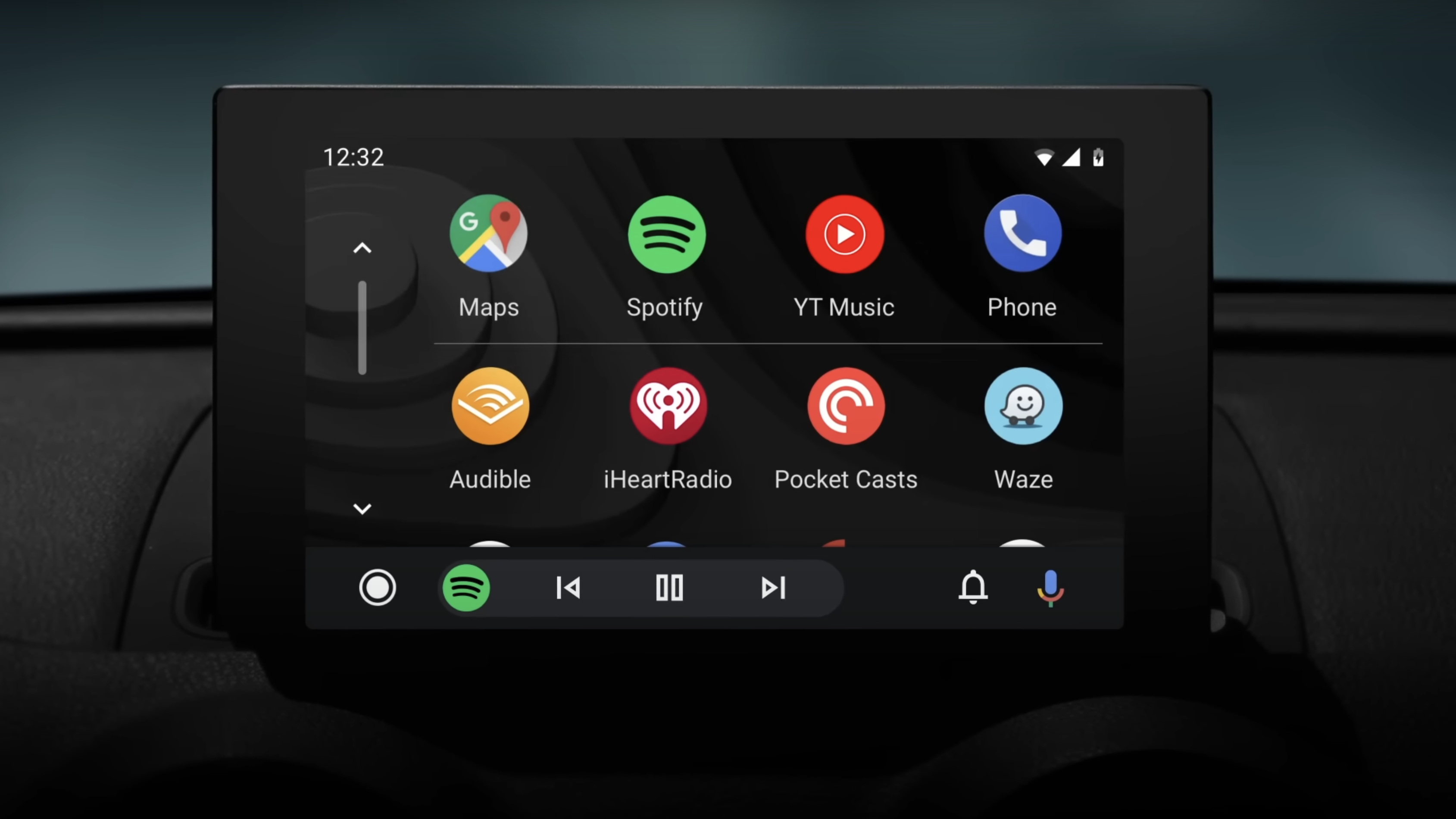
Android Auto, a.k.a. the Google equivalent of Apple CarPlay, will now notify users of apps that can only be used when their vehicle is stationary.
As per SmartDroid, in the recently updated version 11.4 of the software, apps with such restrictions will display a small "P" icon on the bottom right corner of the app on the homepage. Before this, users who tried to access stationary-only apps would receive an error message if their car was in motion.
The parked icons reportedly appear more frequently on gaming or video streaming apps on Android Auto. Notably, both apps are available for electric vehicle owners and can be used while charging — namely, GameSnacks, a collection of touchscreen games for AA users.
While the introduction would be handy for Android Auto users in figuring out their app limitations while driving, we speculate that this minor tweak has been in the works for some time now. According to Reddit posts and other forums, Android Auto had previously presented issues like limiting access to navigation apps unless parked, or thinking the vehicle was in motion when it wasn't, leaving users to speculate if their car had anything to do with the issue (spoiler alert: it did not).
We can only speculate that this new feature will help Android Auto users avoid trying to access apps while driving, but we will keep you posted as the update rolls out.
Android Auto summarizes messages using AI
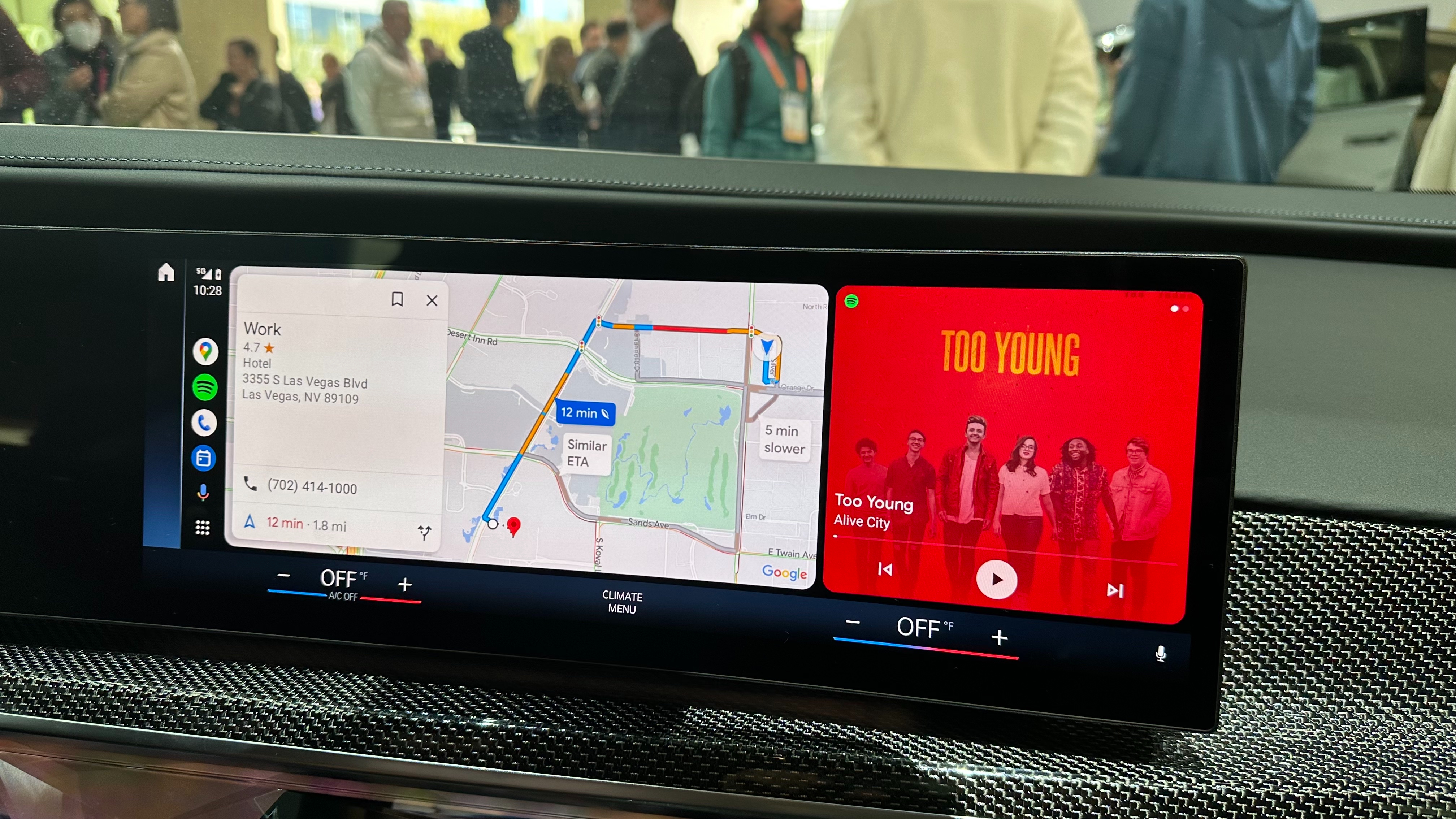
Alongside the launch of v11.4, Android Auto can now summarize long text messages that can be listened to while driving. The only caveat is that messages containing more than 40 words will be paraphrased, while anything under that will be read in its entirety.
According to 9to5Google, the company hopes to limit the chance of distraction while driving, as Android Auto "automatically summarize long texts or busy group chats while you're driving" and "suggest relevant replies and actions you can take without touching your phone".
Another caveat to this (and a word of caution) is that your summary contents may differ slightly from the actual text you received. The message will still appear on your phone, so it may be your best bet to read the original before opting for an AI reply.
If you prefer not to have Android Auto AI summarize or read your messages aloud, you can switch it off in your settings on your car's display or phone.