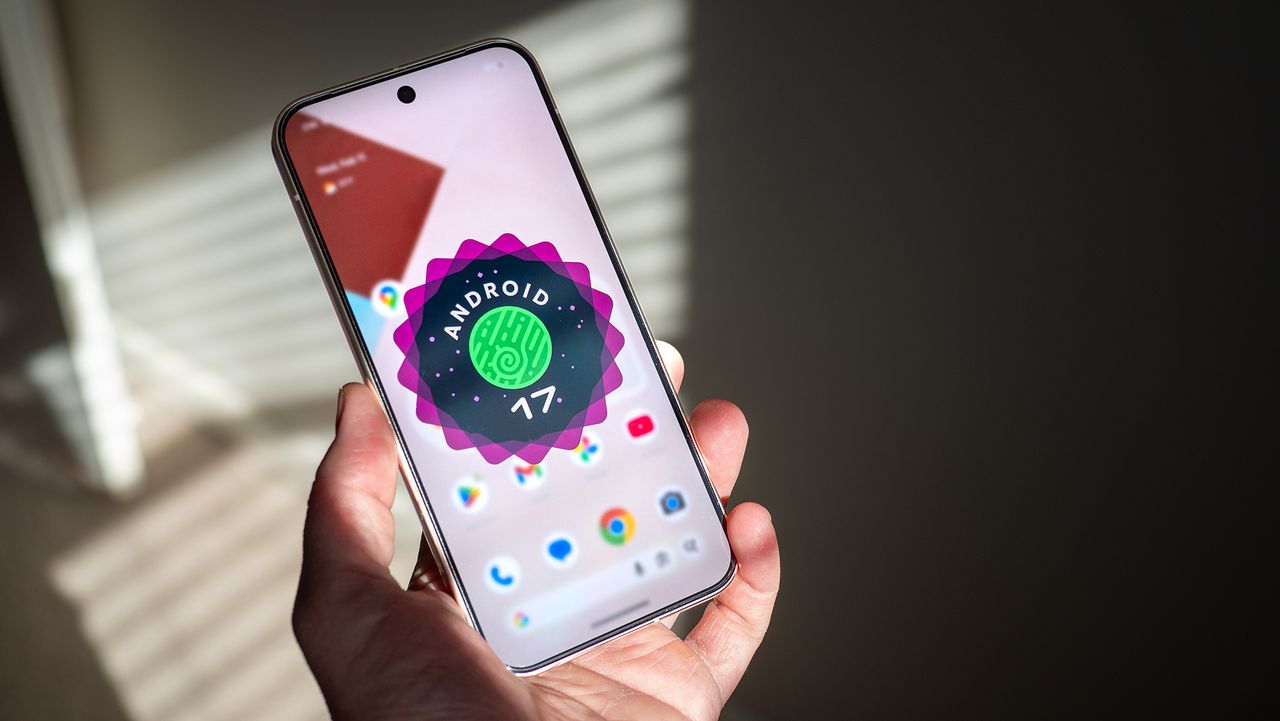
Google rolled out the initial Android 17 beta in February, and it's now available to test on select Pixel devices. If you have the Pixel 6 and above, you can install Android 17 right now. That said, there isn't much new with Android 17, and if you're interested in giving the latest version of Android a try, I'd suggest waiting a little while until Google adds new features.
That said, given how Google is positioning Android updates, there won't be many flashy new upgrades available in Android 17. Instead, it is all about providing better reliability, security, and shoring up lingering issues in Android 16. With two betas out the gate, let's take a look at everything that's new in Android 17, and when you can get the update on your phone.
Android 17 codename

Google doesn't have dessert codenames — that ended with Android 10 — but it still uses internal codenames with Android releases. Android 14 was Upside Down Cake, Android 15 was Vanilla Ice Cream, and with Android 16, Google switched over to Baklava, and Android 17 gets Cinnamon Bun as the codename.
Android 17 features

Google is building out floating windows as a key feature within Android, and this will make a big difference if you're using a foldable. Android 17 gets a Bubbles windowed mode that lets you easily resize windows as needed, and this is a big shift from how multitasking works on Android. Bubbles aren't enabled just yet, but this is something I'm excited to test in upcoming Android 17 builds.
The Material 3 Expressive interface is also getting a few tweaks, but again, we won't see that until later in the year. Additionally, Google is making changes to cross-device connectivity, better Bluetooth LE integration, tighter integration of on-device LLMs, and other optimizations. We will see most of these changes as we get closer to platform stability.
Android 17 release date

Google switched up its Android strategy with Android 16; instead of releasing the stable build at the end of Q3 or early Q4, it introduced the release in Q2. Ostensibly, this is to ensure that devices launching in the fall — including the Pixel 10 and Galaxy Z Fold 7 — debut with the latest Android build instead of getting the update later in the year.
Android 17 is following a similar pattern. Google notes that the stable build will hit in Q2, with a minor release that includes new features and additional stability tweaks rolling out in Q4. With an accelerated schedule, it shouldn't be too long before we start seeing new user-facing features in Android 17, and I'll highlight those as new builds become available.