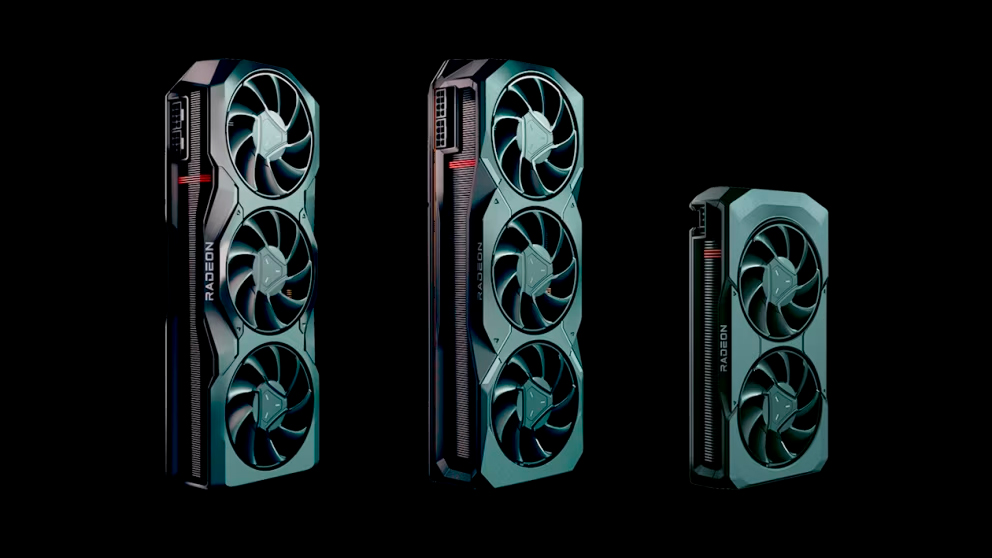
The best graphics cards don't always have to run full throttle. Sometimes, we may leave our system idling or use it to do the normal stuff, like watching YouTube videos. Some of us may ignore the graphics card's power consumption. Still, the German publication ComputerBase has inadvertently unearthed a simple option to help reduce idle power consumption on AMD Radeon graphics cards if you're running single or dual high-resolution, high-refresh-rate monitors.
ComputerBase recently upgraded its labs with Powenetics V2 measuring software and hardware to improve power metric logging and a new 4K display with a 144 Hz refresh rate and Adaptive Sync support. As a result, the news outlet had to retest all its graphics cards and stumbled upon a discovery that enabling Variable Refresh Rate (VRR) can substantially lower the graphics card's idle power draw. The VRR option is available in Windows and AMD's drivers; however, the latter cannot enable it automatically. VRR is a technology that automatically adjusts your monitor's refresh rate to match the frame rate output from your games or content so that both remain in sync. You may find the VRR term under a different name, depending on the manufacturer, like Adaptive Sync, AMD FreeSync, or Nvidia G-Sync.