It's been a long time coming, but iOS 27 finally gives AirPods users control over their sound profile. The new AirPods custom EQ feature lets you adjust bass, midrange, and treble to match your listening preferences.
Whether you want to dial down heavy bass, boost vocals, or brighten the highs, the simple three-band EQ works for both audiophiles seeking precise control and casual listeners wanting better sound.
Here's exactly how to change your AirPods equalizer settings on compatible models.
Which AirPods models support custom EQ?
Custom EQ is available on AirPods Pro 3, AirPods Pro 2, and AirPods 4. The original AirPods Max and earlier models don't support this iOS 27 AirPods feature. You'll need iOS 27 running on your iPhone to access the AirPods custom EQ settings.
How to get the AirPods custom EQ early
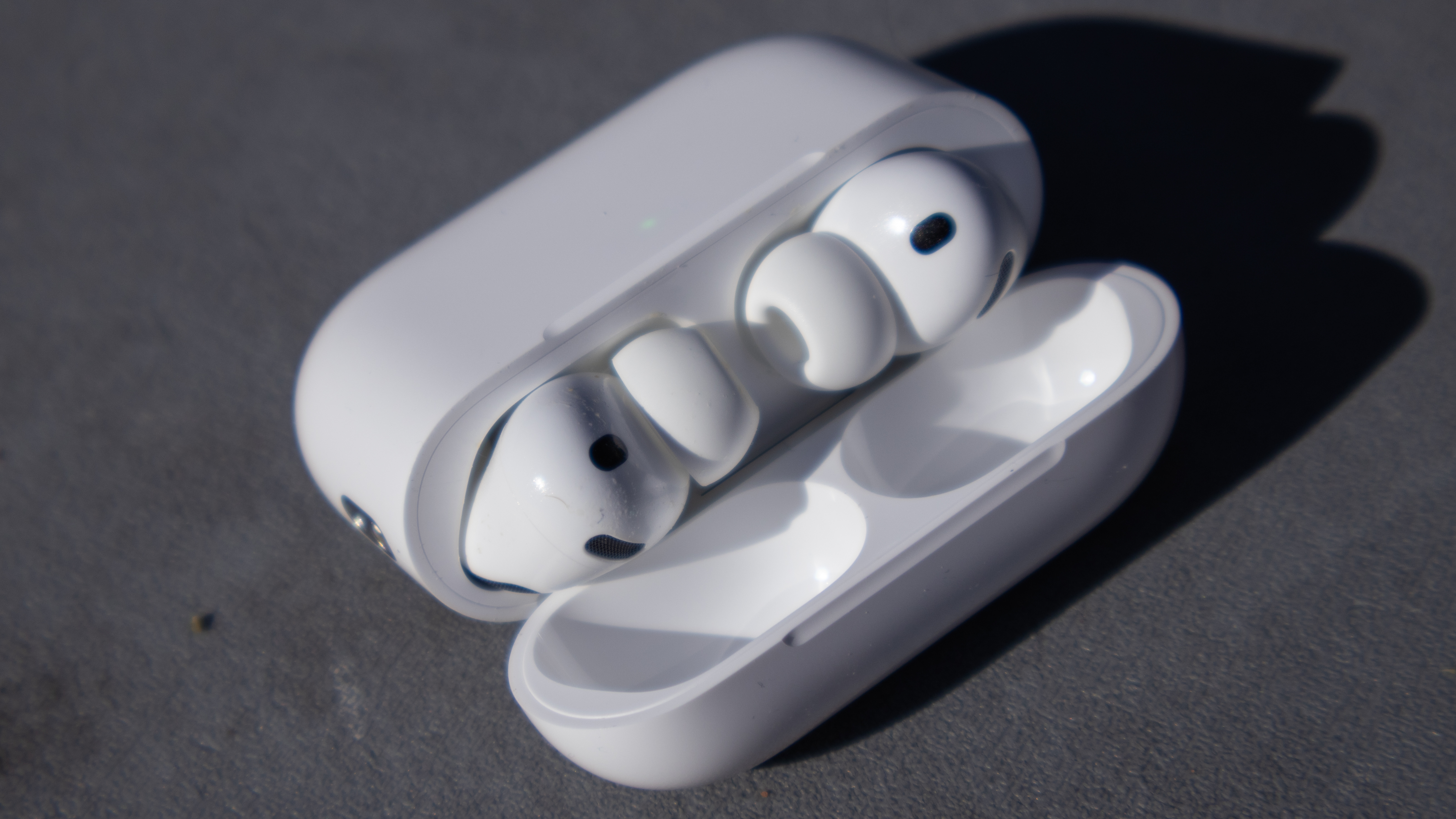
First, you'll need to register as an Apple developer. Alternatively, if you have downloaded any Apple beta in the past, you can skip registration. Simply go to Settings > General > Software Update > Beta Updates and select the iOS 27 Developer Beta.
If you are using this previous-beta method and the iOS 27 option isn't appearing, make sure your iPhone is fully updated to the absolute latest version of your current beta cycle first.
Next, connect your AirPods and open Settings. Tap your AirPods name at the top of the screen, scroll down to AirPods Beta Updates, and toggle the feature on.
To complete the update, place your AirPods in their case, plug them in to charge, and keep them near your iPhone. The firmware will download automatically in the background.
How do you adjust the AirPods custom EQ sliders
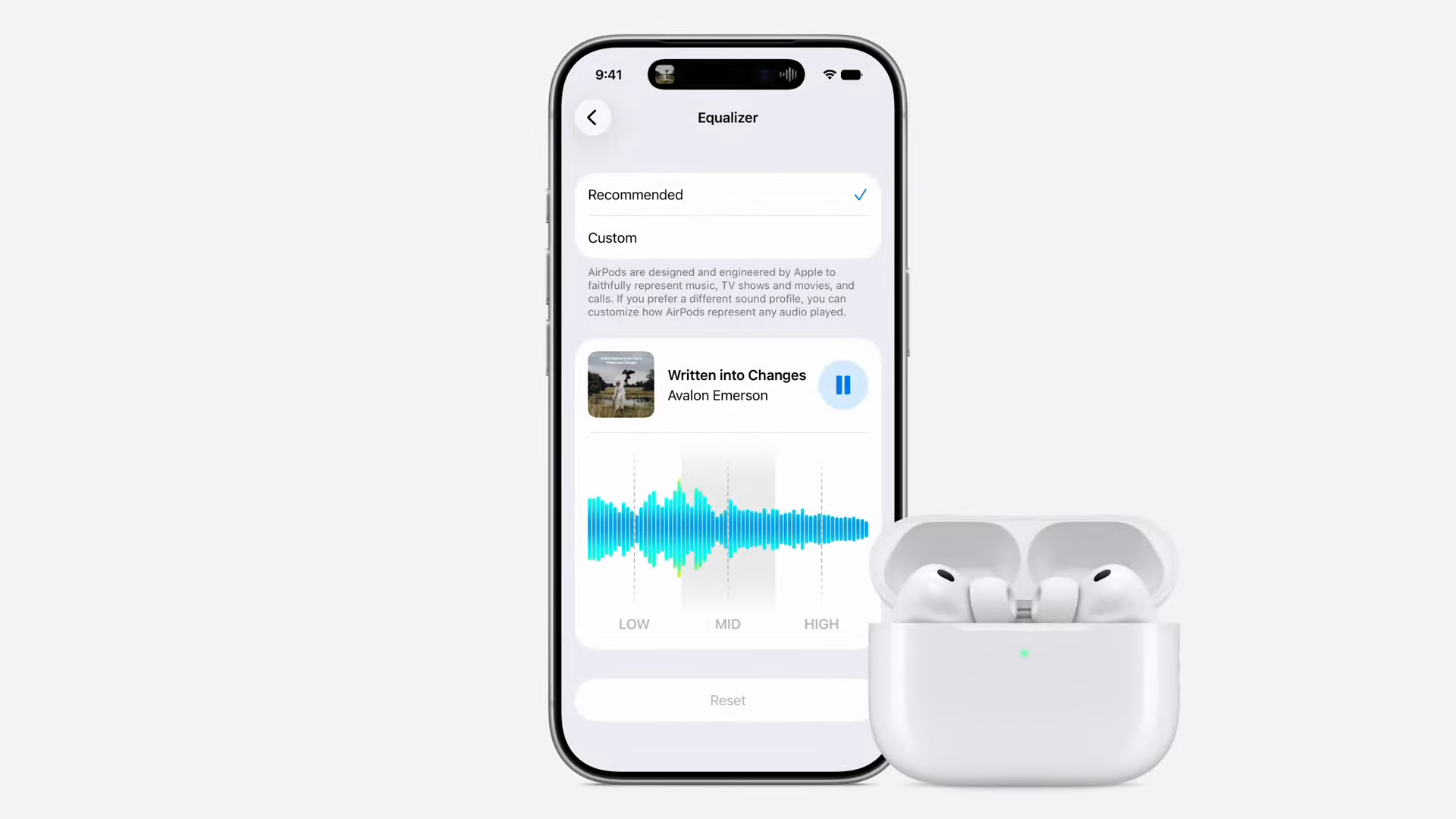
Open Settings on your iPhone and navigate to your AirPods settings. From there, select Audio and Routing, then tap Equalizer. You will see two options at the top of the screen: Recommended and Custom.
The Recommended option uses Apple's standard sound profile. Select Custom to unlock the manual three-band EQ.
The interface will display three distinct frequency sliders. Simply raise or lower the low frequencies (bass), mid frequencies (vocals and instruments), and high frequencies (treble) to match your preference.
You can use the play head at the top of the screen to control the currently playing music. This allows you to hear your EQ changes in real time as you move each slider.
More from Tom's Guide
- This clever iOS 27 Wallet upgrade means you'll never have to carry a physical loyalty card again
- You don’t have to wait for Apple’s Siri AI rollout — use this trick to unlock it on iOS 27 right now
- Your iPhone alarm and ringtone don’t have to share a volume slider anymore — here’s how to split them in iOS 27