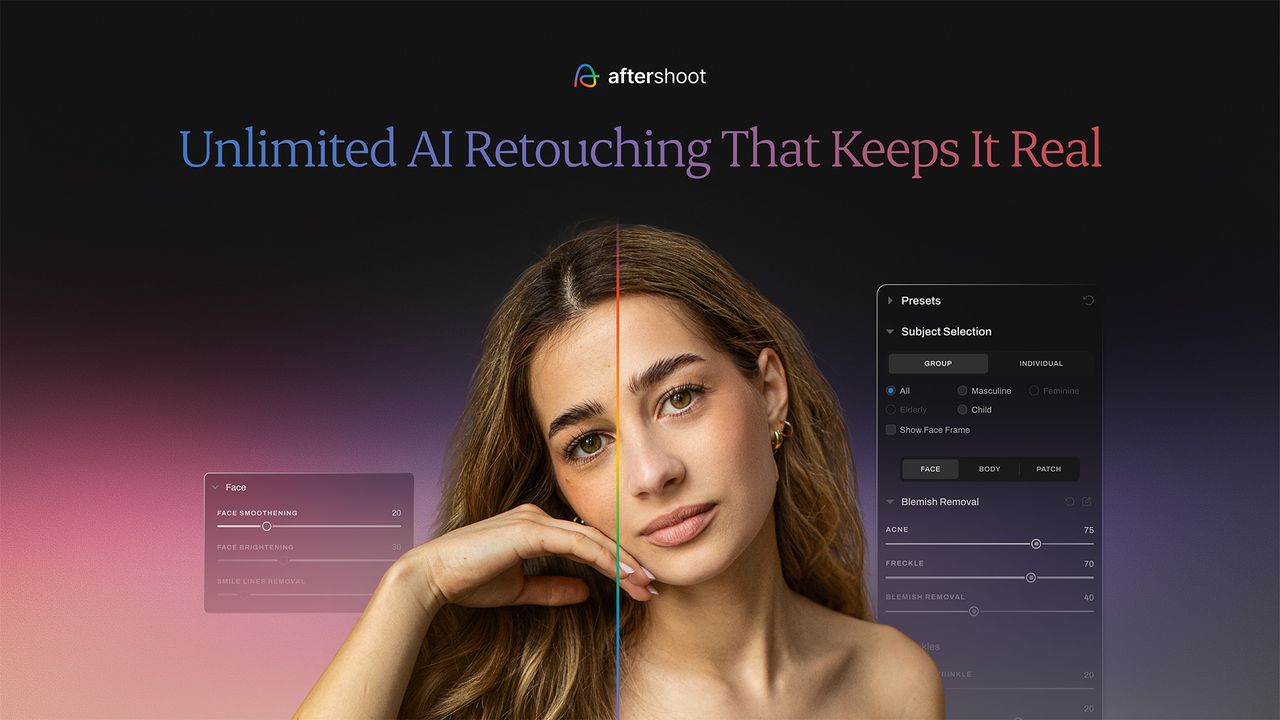
Photo organizing and editing software Aftershoot has just launched the early release of AI Retouching. This AI-powered tool was previously available to a handful of early access users, but has now been rolled out to all Aftershoot users for free, until September 2025. It will then be included in selected subscription plans. According to Aftershoot, AI Retouching will allow users to “apply realistic, high-quality portrait retouching directly within the platform,” saying it will “complete the portrait post-production workflow.”
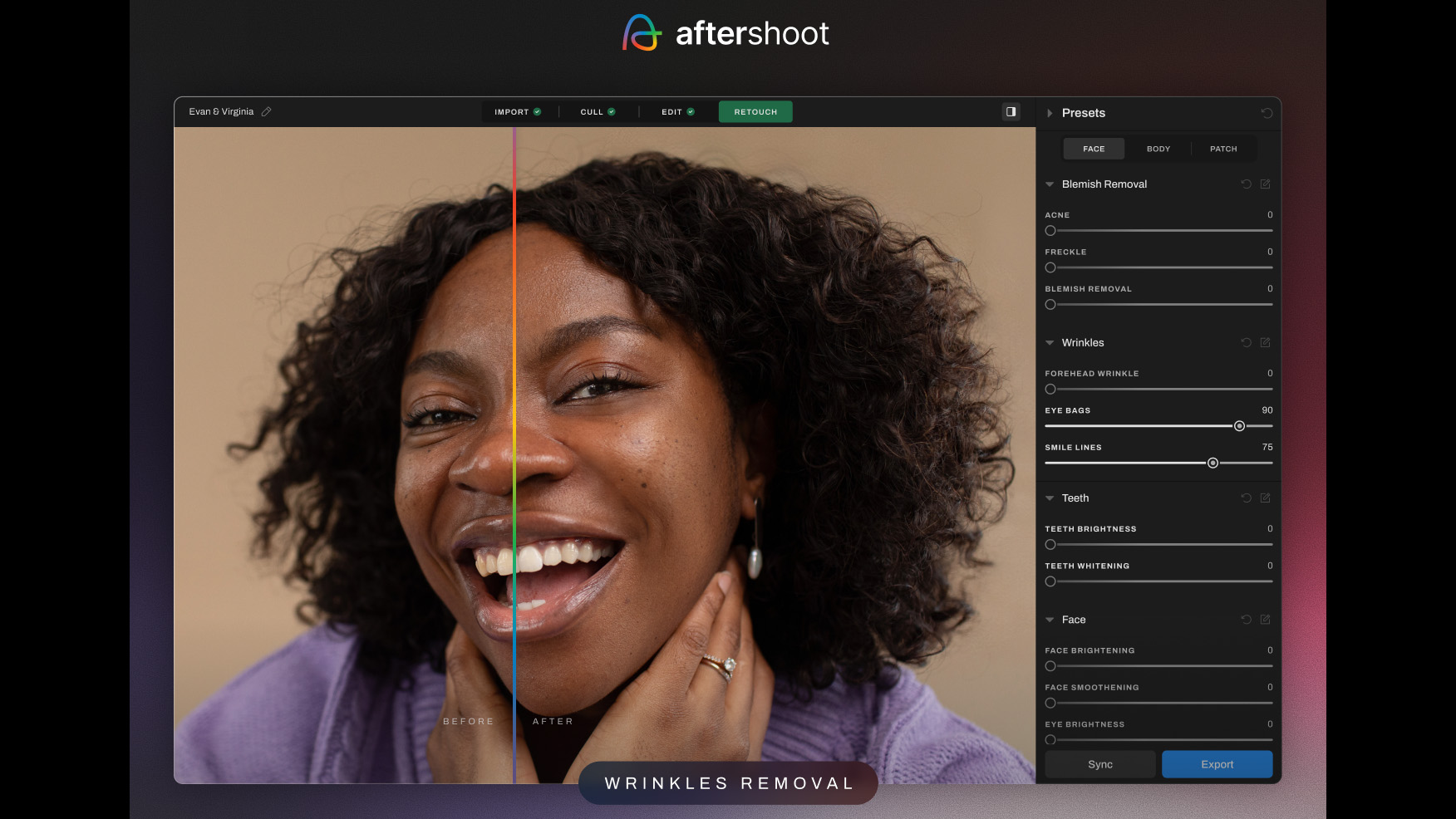
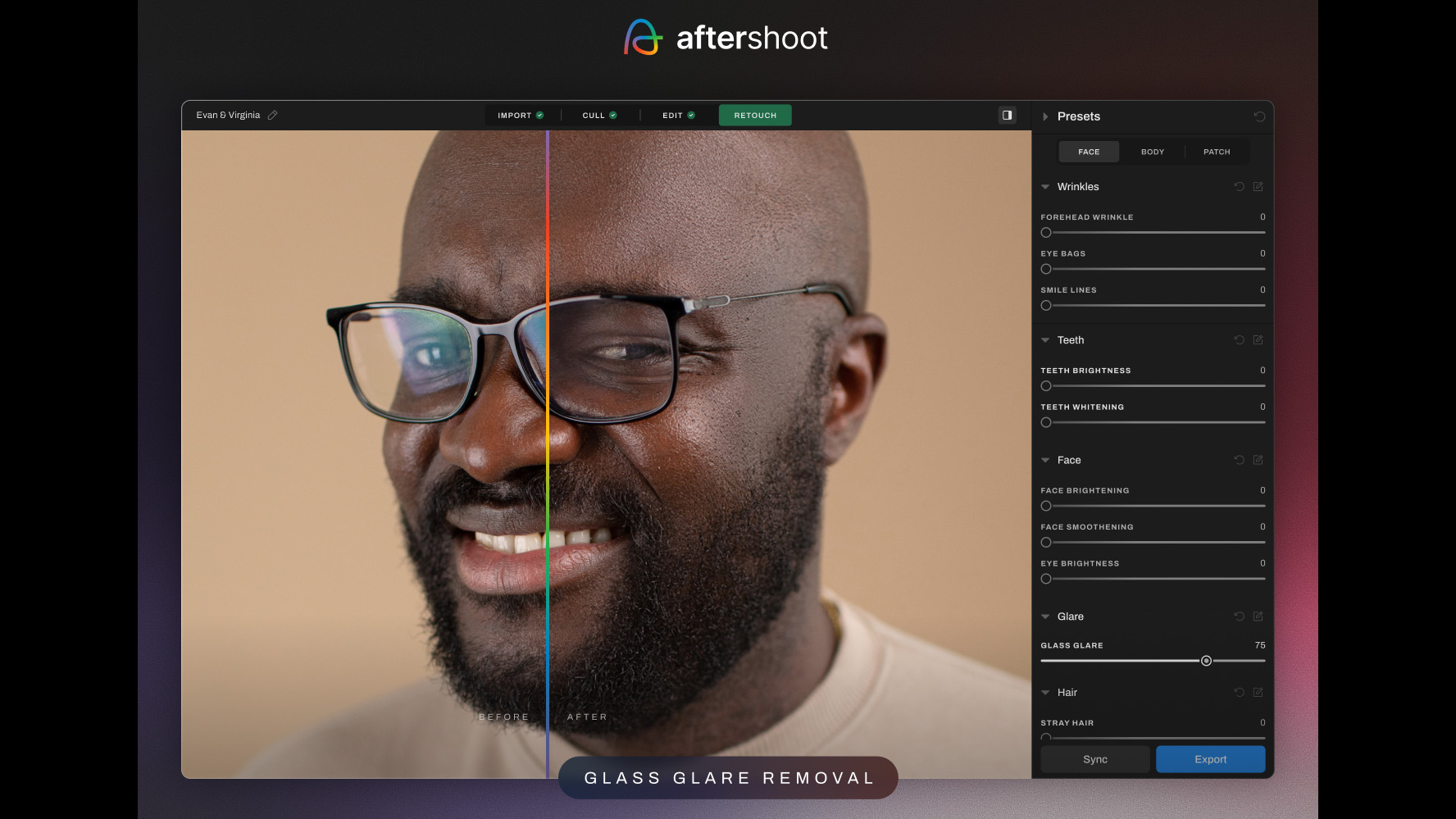
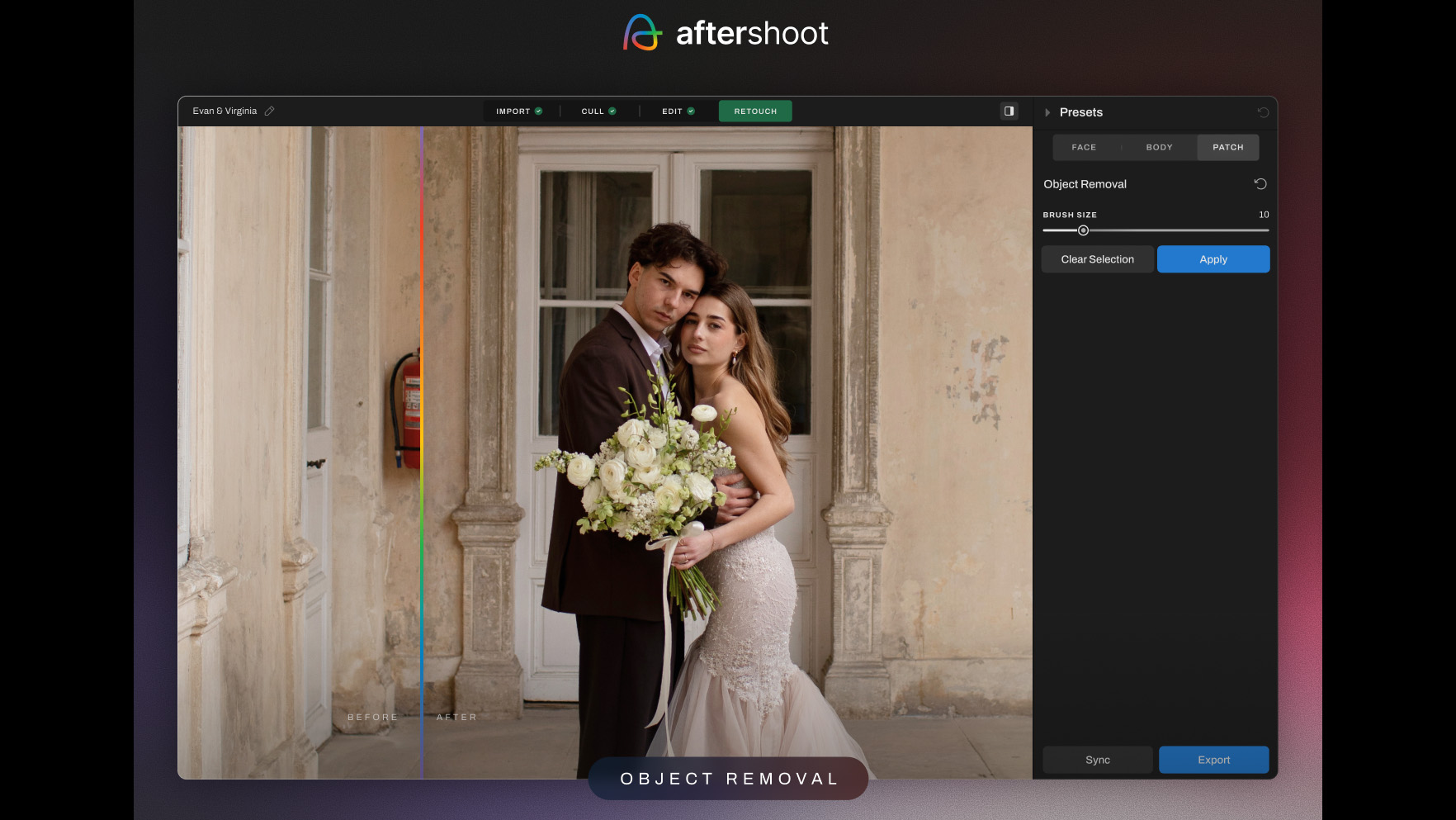
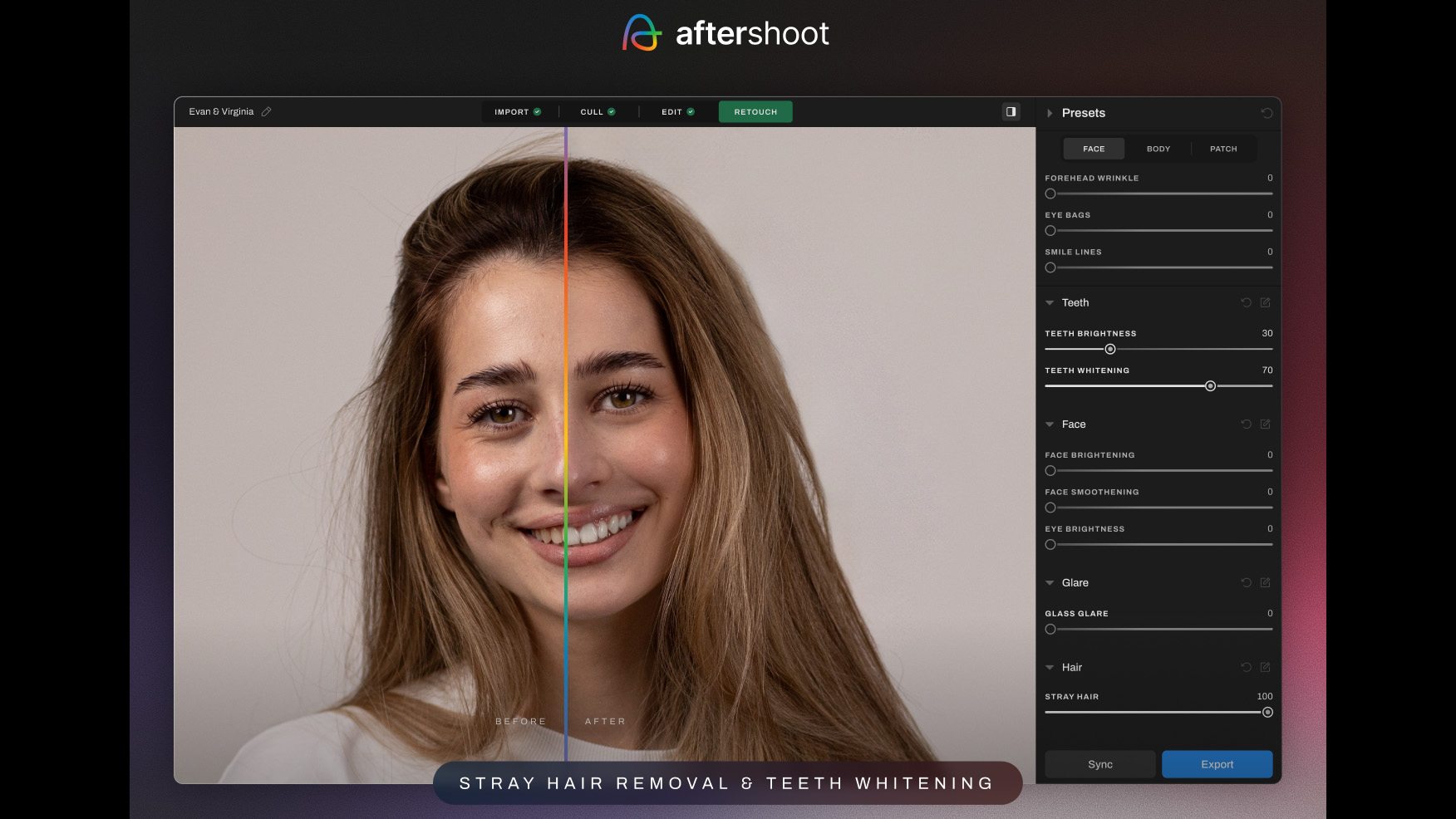
It’s hardly surprising that more and more photo editing software and photo organizing software developers are using AI advancements to streamline portrait retouching, because manual techniques such as frequency separation are both time-consuming and require a high level of skill. Aftershoot’s AI Retouching will allow users to quickly perform the following: skin smoothening, face enhancement, teeth brightening / whitening, and blemish, wrinkle, glass glare, stray hair and object removal.
Most of these are self explanatory, but it’s worth noting that skin smoothening can be applied to both the face and body as well as multiple persons in the same image. Glass glare removal is used to remove reflections from eyewear and is said to accurately reconstruct eyes and facial features while doing so.
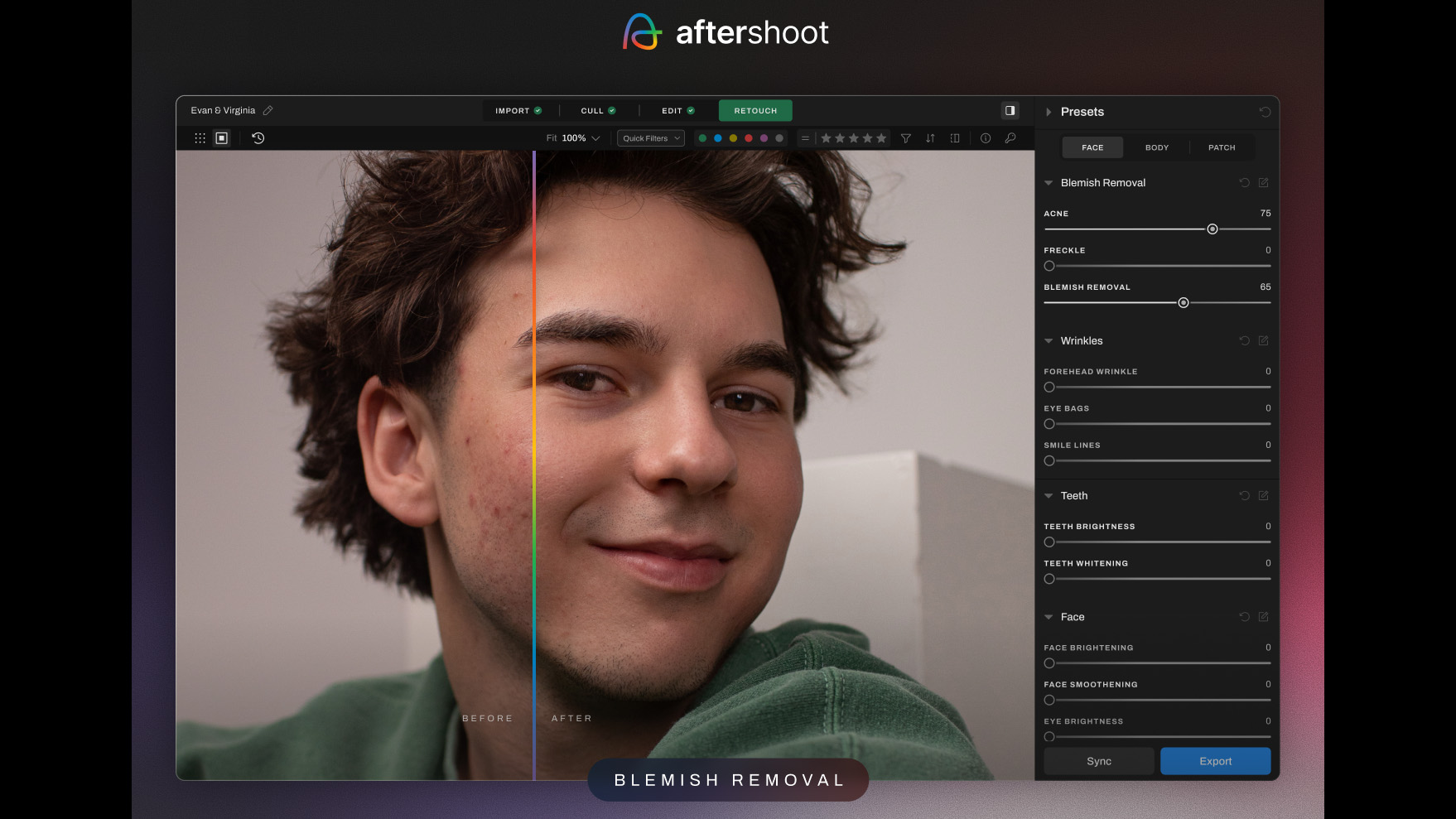
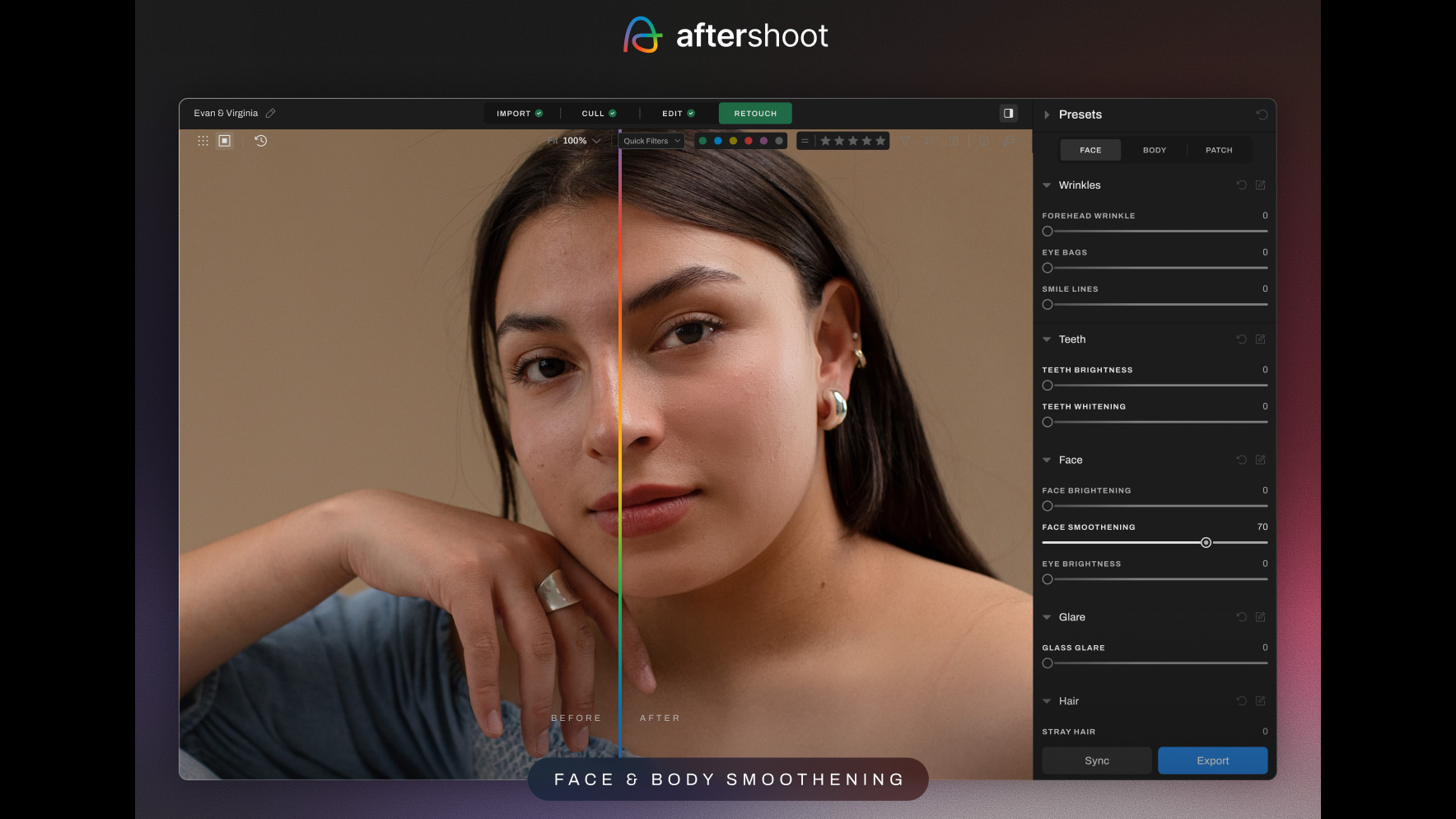
AI Retouching also allows for both selective subject retouching and batch retouching. This means that individuals within a group photo can be picked out and worked on individually, while retouching can also be synced across multiple images. Retouching can also be saved as a preset to streamline future edits, while Aftershoot also contains its own presets, too. Finally, the software also contains a Correct Changes tool, which is said to “give the control to remove the mask from specific areas of the image, preserving original details where needed.”
According to Founder and CEO of Aftershoot, Harshit Dwivedi; “Photographers told us two things: retouching takes too long, and it often looks unnatural. With AI Retouching, we set out to solve both — fast, unlimited retouching that still looks authentic. We’ve trained our models to handle real-world scenarios like glare, skin texture, and flyaway hairs, all while giving photographers full control over the results.”
You might also like...
If you're looking for more AI-powered organization software, check out Excire Foto. If you want a more traditional photo editor, take a look at Adobe Lightroom Classic and Capture One.