Get all your news in one place.
100's of premium titles.
One app.
Start reading
Windows Central
Windows Central
Technology
Mauro Huculak

After testing LAP Photo Manager on Windows 11, I’m convinced it outperforms the built‑in Photos app in all the ways that matter

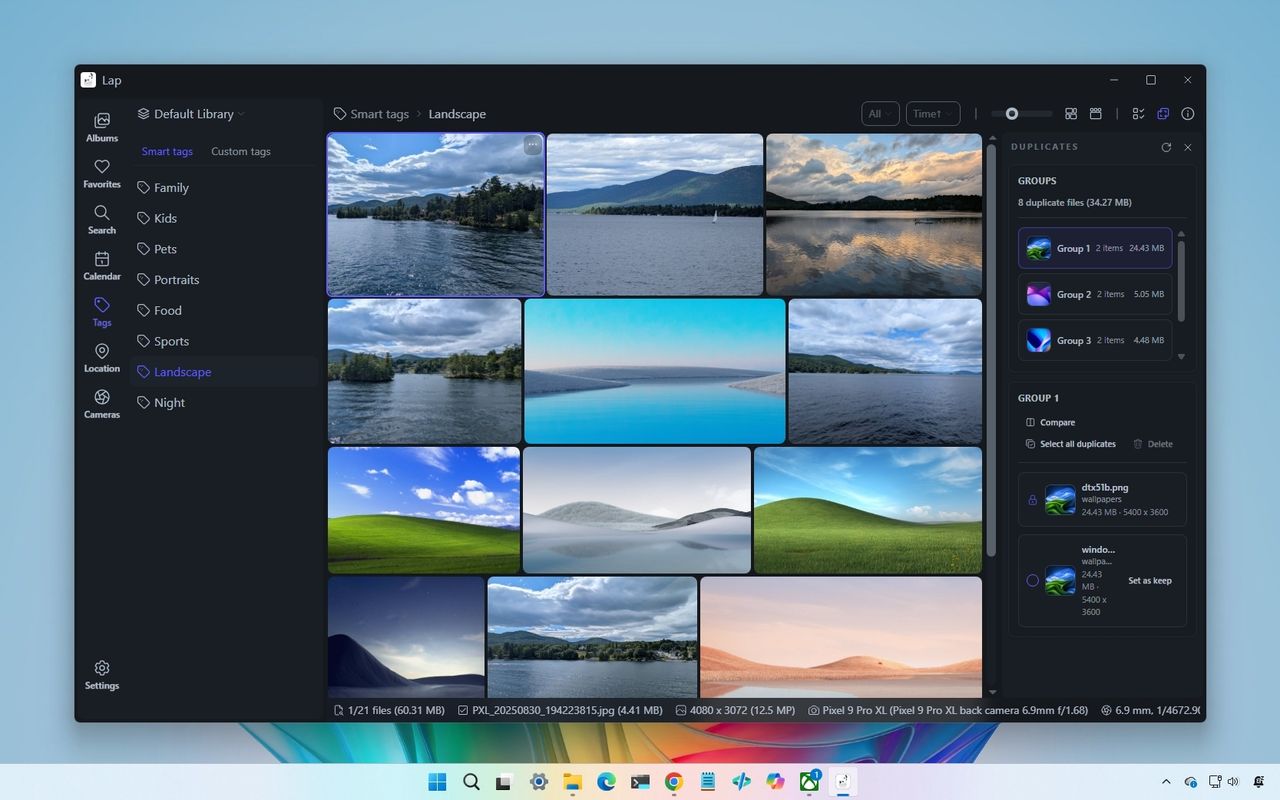
A desktop interface displaying a photo management app showing landscape images in a grid. Side panels feature search and organization tools.

On Windows 11, it may be time to ditch the default Photos app in favor of Lap, a private, local-first photo manager built for speed and control.

If your photo library lives on your computer instead of the cloud, most modern apps don't feel built for that experience. That's where Lap comes in. It's a free and open-source desktop app available for Windows 11 (and 10), macOS, and Linux, designed around the simple principle that your photos stay on your device and that everything from browsing to search happens locally.

Sign up to read this article
Read news from 100's of titles, curated specifically for you.
Already a member? Sign in here
Related Stories
Top stories on inkl right now
One subscription that gives you access to news from hundreds of sites
Already a member? Sign in here
Our Picks
Fourteen days free
Download the app
One app. One membership.
100+ trusted global sources.