Whenever I ask someone why they haven’t downloaded the latest version of iOS, the most common response is, “I don’t have enough storage space.” This is a very real and frustrating issue for many iPhone users, and while there are plenty of easy ways to free up iPhone storage, what if you’re faced with a storage-hungry app that simply refuses to be deleted?
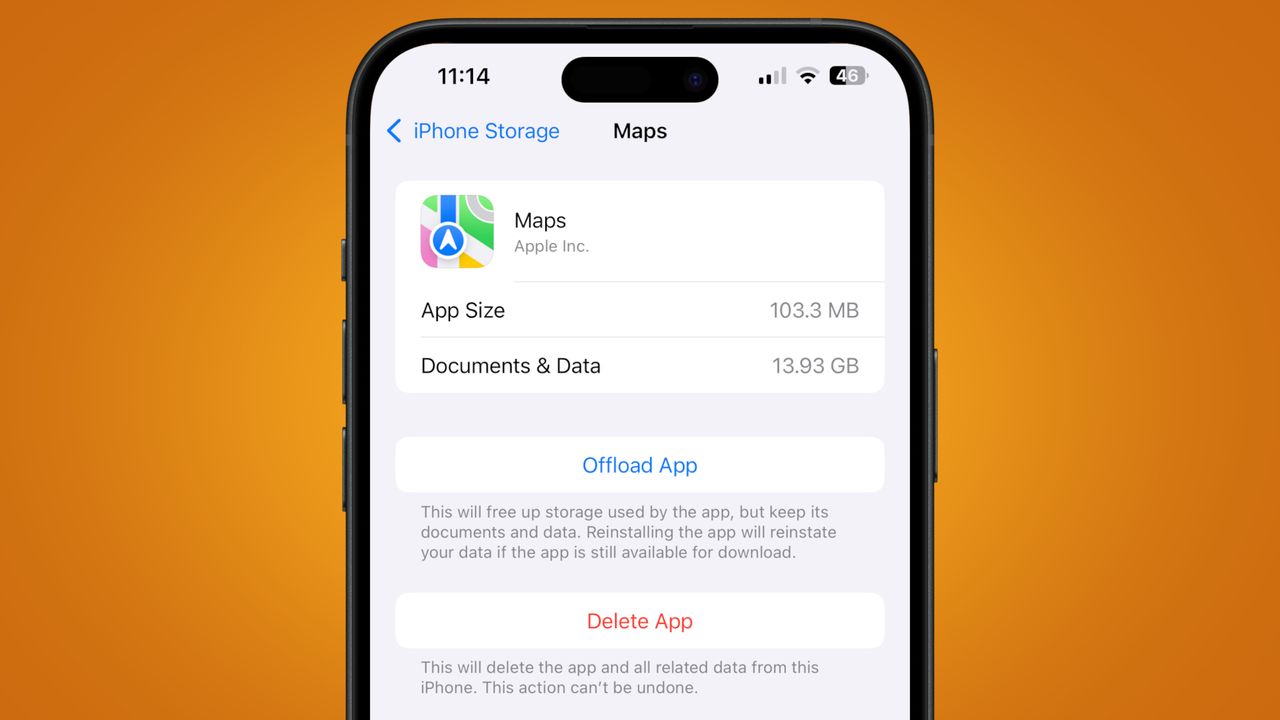
My brother recently came to me with this very problem. He couldn’t download iOS 26 (which typically requires at least 10GB of free space) on his iPhone 14 Plus because, oddly, his Maps app was listed as taking up a whopping 13.93GB.