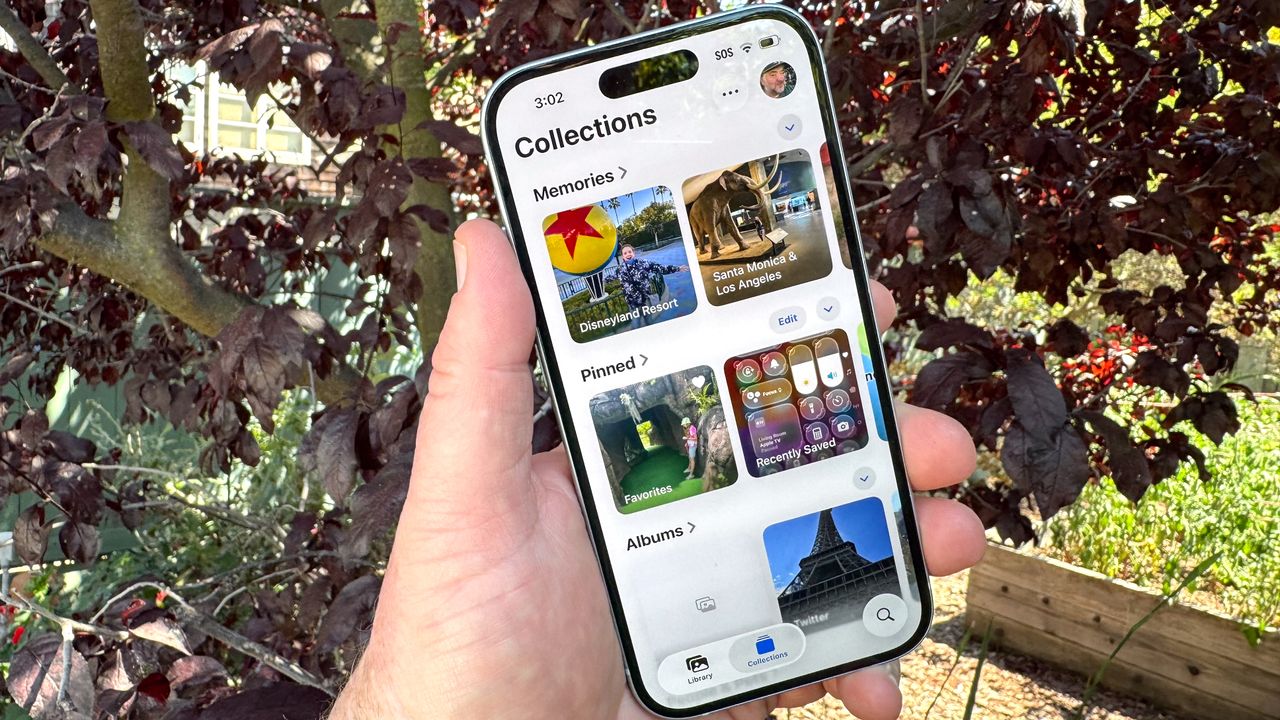
I'm going to guess everyone with an iPhone uses the built-in Photos app on a fairly regular basis. After all, that's the place where all the photos and videos you capture with your iPhone's camera wind up. But if you're just using Photos as a place to stash images, you're not really get the most out of this iOS app.
Photos is more than just an image repository, though it handles that task very well. It's got some built-in smarts — even on iPhones that don't support Apple Intelligence — that allow it to create photo collections, group together photos featuring the same people and even gather up screenshots in one place. There are editing tools at your disposal, too, that can make those photos you've captured look even sharper.