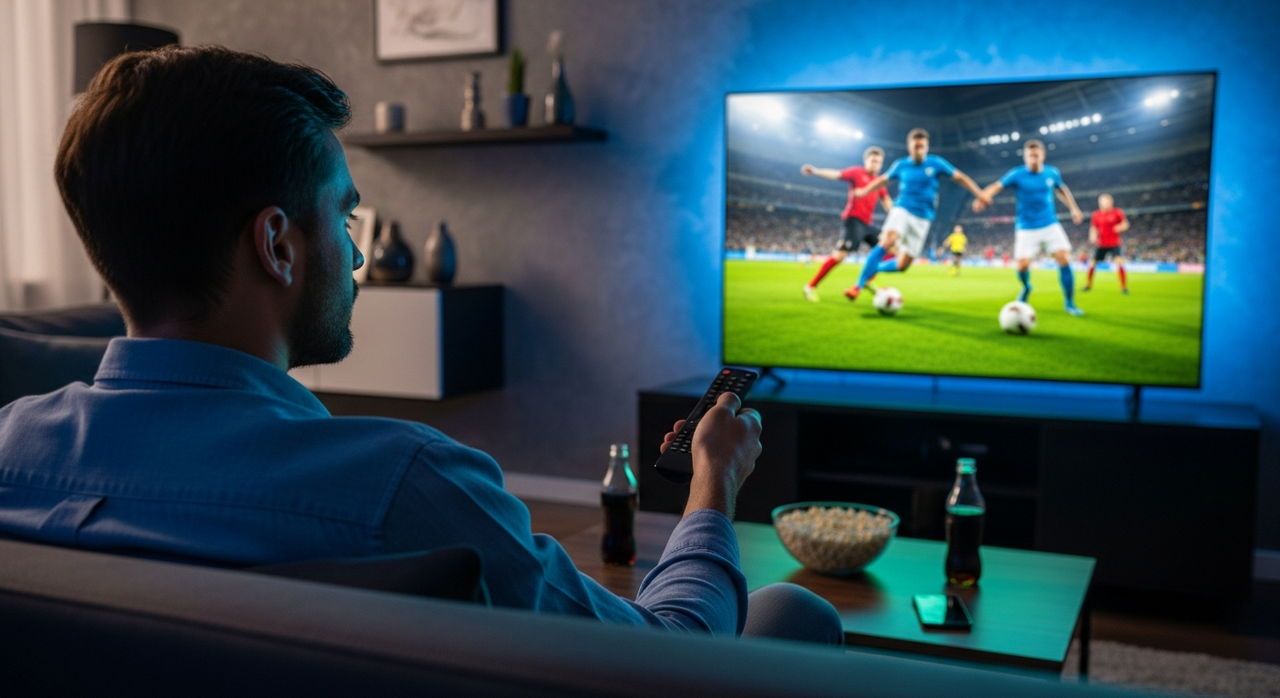
Better FIFA World Cup viewing starts with your TV's settings. Default configurations prioritize power efficiency and general entertainment over sports quality, but there's three adjustments that can change all that.
Most TVs ship with Eco Mode enabled, which washes out picture quality. Standard audio buries commentary under crowd noise. Motion smoothing makes live action look unnatural. These aren't ideal for sports viewing. The good news is fixing all three takes just five minutes.
Here's what settings you should change to make the world cup look and sound incredible.
1. Turn off Eco Mode
Most TVs default to Eco Mode to reduce power consumption. While this saves energy, it reduces picture quality, making images appear washed out and colors look dull.
You might think Dynamic mode would be better since it's more vivid, but Dynamic actually oversaturates colors and creates unnatural skin tones that don't look realistic.
Cinema or Movie mode is where you want to be for sports. These modes deliver true-to-life colors and better contrast without the harshness of Dynamic or the dimness of Eco.
Go to Settings, find your TVs version of Picture Mode, and select Cinema (or Movie, Filmmaker, if you can. This single change makes an immediate difference in how the World Cup looks on your screen.
Plus, the improved contrast also reduces eye strain during long matches: win-win!
2. Change the audio
TVs default to standard audio that buries live commentary under crowd noise and stadium ambience. Go to Settings and find the Audio or Sound menu. Next, look for options like "Adaptive," "Amplify," "Sports," or "Voice Boost."
Adaptive analyzes the audio in real time and automatically adjusts levels to prioritize commentary, while Amplify specifically boosts mid- and high-range frequencies where voices live, cutting through background noise.
3. Disable motion smoothing
In your picture settings, you may find an option for Motion Smoothing, Clear Motion, TruMotion, Action Smoothing, Motion Control, or a similar phrase. Turn it off to improve your sports viewing.
Because motion smoothing adds frames between the actual frames, it can make live action look unnatural and processed. Disabling motion smoothing will make live action appear as immediate as in-person viewing for that sense of really being there.
Now, you’re ready for the Cup.