Get all your news in one place.
100’s of premium titles.
One app.
Start reading
Tom’s Guide
Tom’s Guide
Technology
Nick Pino

3 essential tips for getting the best TV antenna for your home

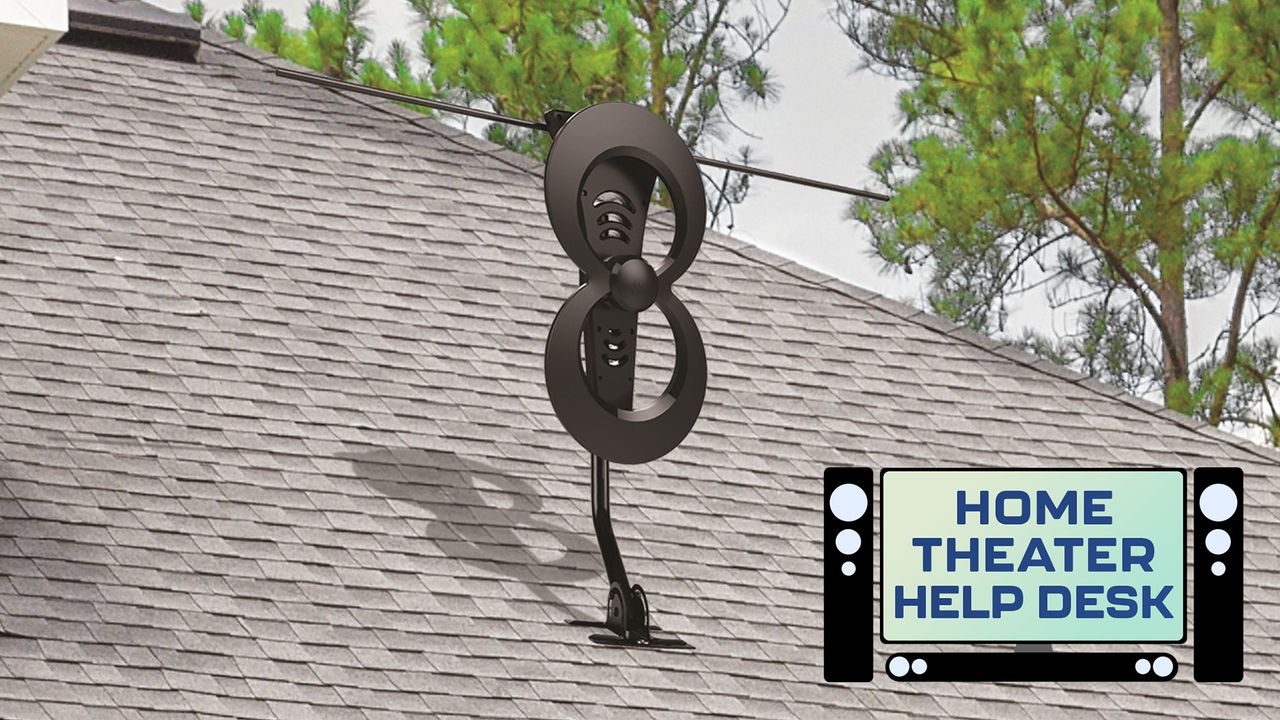
An AntennasDirect outdoor TV antenna with a Tom's Guide logo on the bottom right.

Growing up, everyone had bunny ears. I remember I had a pair on the TV in my bedroom that was connected to my N64. After playing The Legend of Zelda: The Ocarina of Time until late in the evening, I’d fall asleep to the comedy stylings of "Late Night with Conan O’Brien" or a re-run of "The Simpsons."

Sometime in the late aughts when broadcasters switched to digital, however, bunny ears stopped working and everyone suddenly forgot about antennas.

The good news is that TV antennas still exist and while they no longer resemble an radio antenna, they work in very much the same way: They connect to back of your TV’s RF In or Antenna coaxial connector and allow you to watch basic over-the-air programming from your local NBC, ABC, CBS and FOX networks. Here’s how to get the right one for your house.

First step: Find out how far you are from broadcasters

A TV antenna’s performance will depend on how far you live from a broadcaster.

Unlike one of the best TVs where performance is going to be relatively similar for each viewer, a TV antenna’s performance will depend on how far you live from a broadcaster.

If you live in a city or a suburb close to town, chances are good that you’ve got a slew of local broadcasters within 10 to 15 miles of your home. If you live out in the country — or are trying to watch TV in your RV — then you’re probably going to be a bit further away.

To check how far away you are, visit AntennasDirect’s Transmitter Locator website and enter your zip code. From there, you can see the distance to your local broadcasters in three color bands. Broadcasters in the orange circle are 35 miles or less away from you. Broadcasters in the yellow circle are within a 50-mile radius, and those within the red circle are 70 miles away or less.

Now that you know the approximate distance, we can pick out the best antenna for your particular location.

(Image credit: AntennasDirect)

Second step: Select the right antenna

So why, exactly, are these distances important? They’re going to be your guide when shopping for an antenna.

By and large, antennas are divided into two categories — indoor and outdoor. Indoor antennas are usually good for about 40 miles of coverage depending on how close you can get them to a window. Outdoor antennas can get between 60 and 70 miles of range, but they require exterior mounting, which can be a bit of a pain. (Fun fact: No antenna can reach further than 100 miles due to the curvature of the earth.)

When shopping for an indoor TV antenna, I recommend buying one with an in-line signal booster. Depending on how close you are to broadcasters, you might not always need it — but some models come with them built-in and they can save you a lot of headache.

As for outdoor TV antennas, recommendations are a bit harder to prescribe. Because they’re recommended for distances between 40 and 80 miles away from a broadcaster and are impacted by things like geographic terrain in your local area, there’s not exactly a one-size-fits-all approach.

Here’s what I can say for sure, though: The higher the TV antenna is and the fewer obstacles in its way, the better the reception you’re going to get. So choose something that’s easy to mount and sturdy enough that it won’t fall apart at the first sign of bad weather.

Final step: Program your TV

Unfortunately, TV antennas aren’t plug-and-play. They require you to go into your TV’s settings and select the option “scan for channels”.

Where this option is located will vary between operating systems, but most often you’ll find it by setting the TV’s source to antenna. If this is your first time programming a TV, then your TV will prompt you to scan for channels.

The process itself can take a few minutes — I’d say between 5 and 10 — and don’t be surprised if it doesn’t immediately find a dozen channels. Let the full scan complete and by the end you should have between 15 and 40 channels, depending on how far away you are from broadcasters and how many broadcasters have set up shop in your neck of the woods.

When everything’s said and done, you should be able to watch basic network programming with relative ease and clarity. It might not be the best resolution or free from artefacting, but hey, for the occasional football game or evening news program, it gets the job done.


Follow Tom's Guide on Google News and add us as a preferred source to get our up-to-date news, analysis, and reviews in your feeds.


More from Tom's Guide

Sign up to read this article
Read news from 100’s of titles, curated specifically for you.
Already a member? Sign in here
Related Stories
Top stories on inkl right now
One subscription that gives you access to news from hundreds of sites
Already a member? Sign in here
Our Picks
Fourteen days free
Download the app
One app. One membership.
100+ trusted global sources.